
A clear starting premise
Choose scale, tone and magic to give the setting a character.
A foundation for your fantasy world
A sea divides rival realms. A trade route crosses the mountains. Beyond the frontier, discoveries wait. Give your setting a written foundation with regions, cultures and relationships you can develop as the campaign grows.
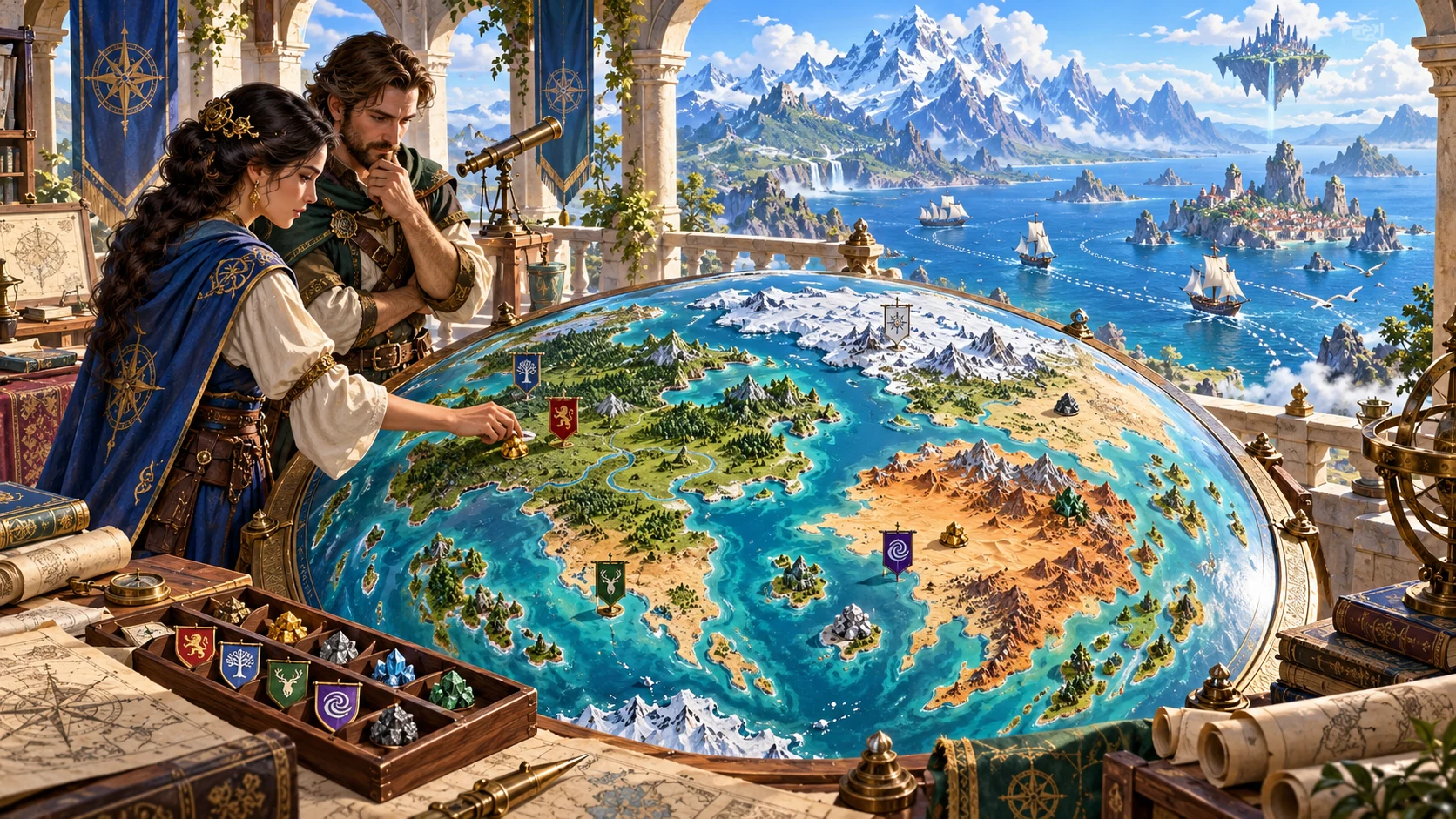
A foundation with room to grow
Connect the setting before developing every town, kingdom and adventure.
Choose scale, tone and magic to give the setting a character.
Connect landmasses, seas, climate bands and broad regions in a written overview.
Describe major realms, cultures and faiths without creating an overfilled encyclopaedia.
Leave frontiers, secrets and unexplored places for the campaign to discover.
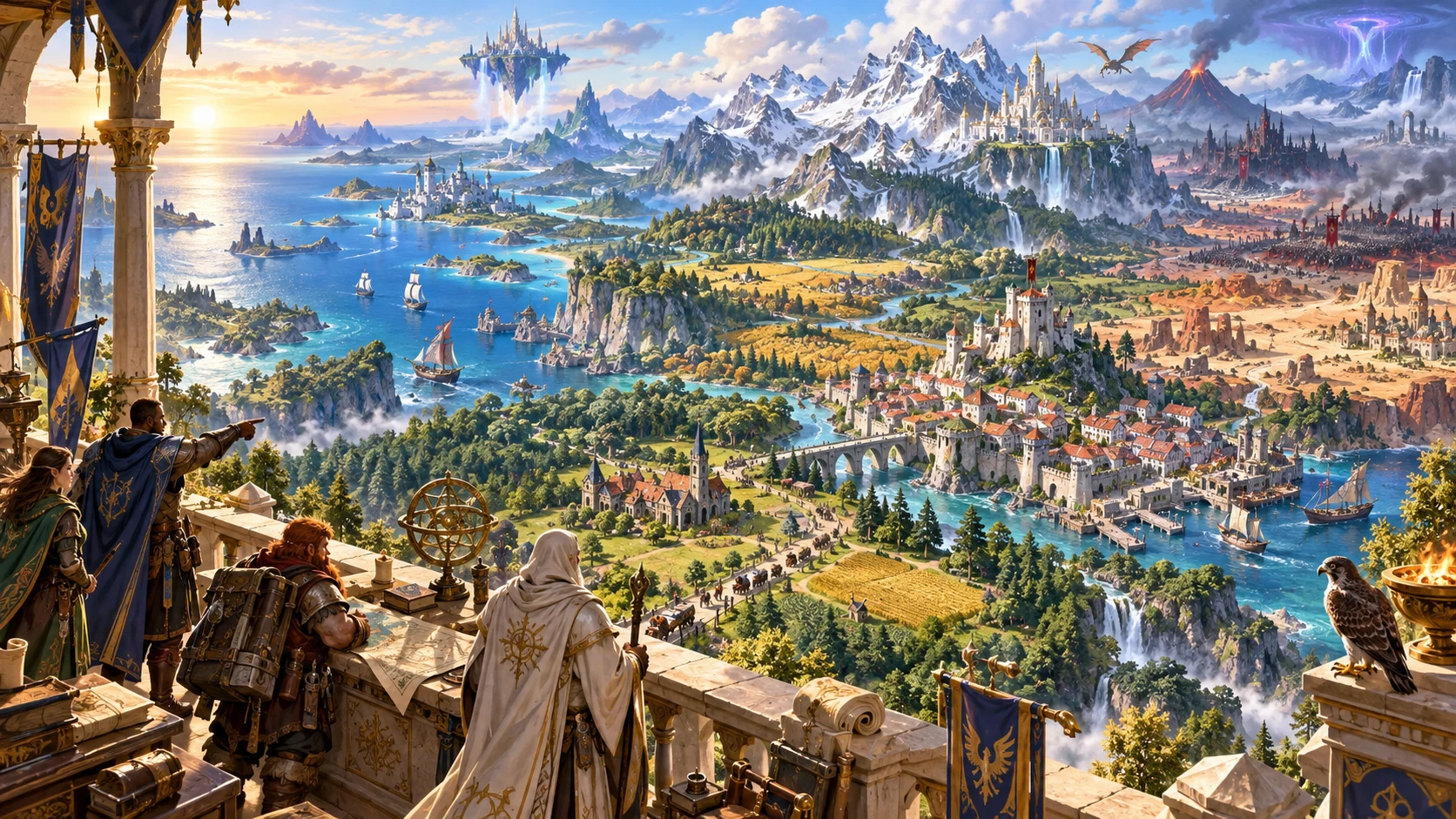
Connect the setting
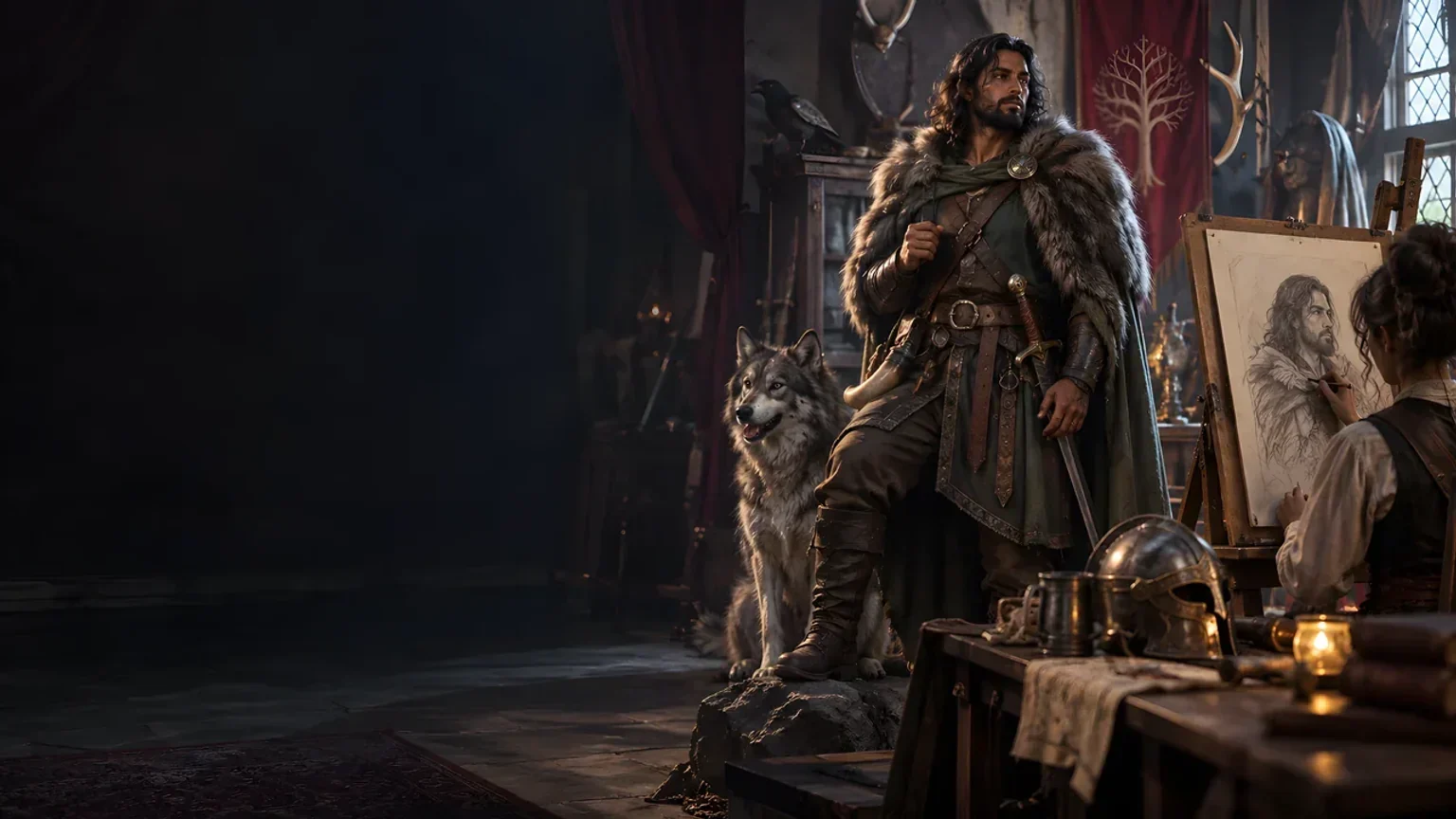
The illustration represents fantasy worldbuilding, not an application screen or generated graphical map.
Choose scale, tone and magic. Connect geography, cultures, major realms, resources and trade in a written overview.
Review the broad relationships and leave room for adventures, discovery and later specialist detail.
From an idea to a world foundation
Review the world-sized choices before adding specialist detail.
Set world scale, magic, tone and the number of major regions or realms.
Use Deep choices for land and ocean, climate, technology, cultures, world age and stability.
Read resources, trade, barriers, landmarks, conflicts and frontiers together. Adapt their relationships yourself.
Edit and save the framework. Prepare a player primer and develop local detail when the campaign needs it.
Your setting foundation toolkit
Keep geography, society, politics, resources and discovery in one written framework.
Choose world scale, tone and magical assumptions before developing the wider setting.
Build a written overview of landmasses, seas, broad regions and climate bands.
Describe major polities, political relationships, cultures and faiths without filling every local detail.
Review resources, trade corridors, travel barriers and great landmarks across the setting.
Develop frontiers, unexplored areas, world secrets and conflicts that invite future adventures.
Lock regions, reroll selected material and edit the framework as the setting develops.
Save, duplicate and version frameworks so later adventures can build on earlier preparation.
Print or export the Dungeon Master framework and review a one-page player primer before sharing.
Worlds at different scales
Prepare a compact setting, continent, island world or a larger fantasy world.
Begin with a useful foundation for the area the party can explore first.
Set major regions, landmasses, seas and the relationships between them.
Use ocean, land, travel barriers and unknown places to guide future discovery.
Prepare the broad setting around the campaign before specialist generators add local detail.
Keep the setting useful
Revise the framework as the campaign finds new places and pressures.
Lock regions that already work while developing other areas.
Revise selected material and read the connected geography and society afterwards.
Edit the written setting to match the campaign and the decisions made at the table.
Save, duplicate and version world frameworks as the setting grows.
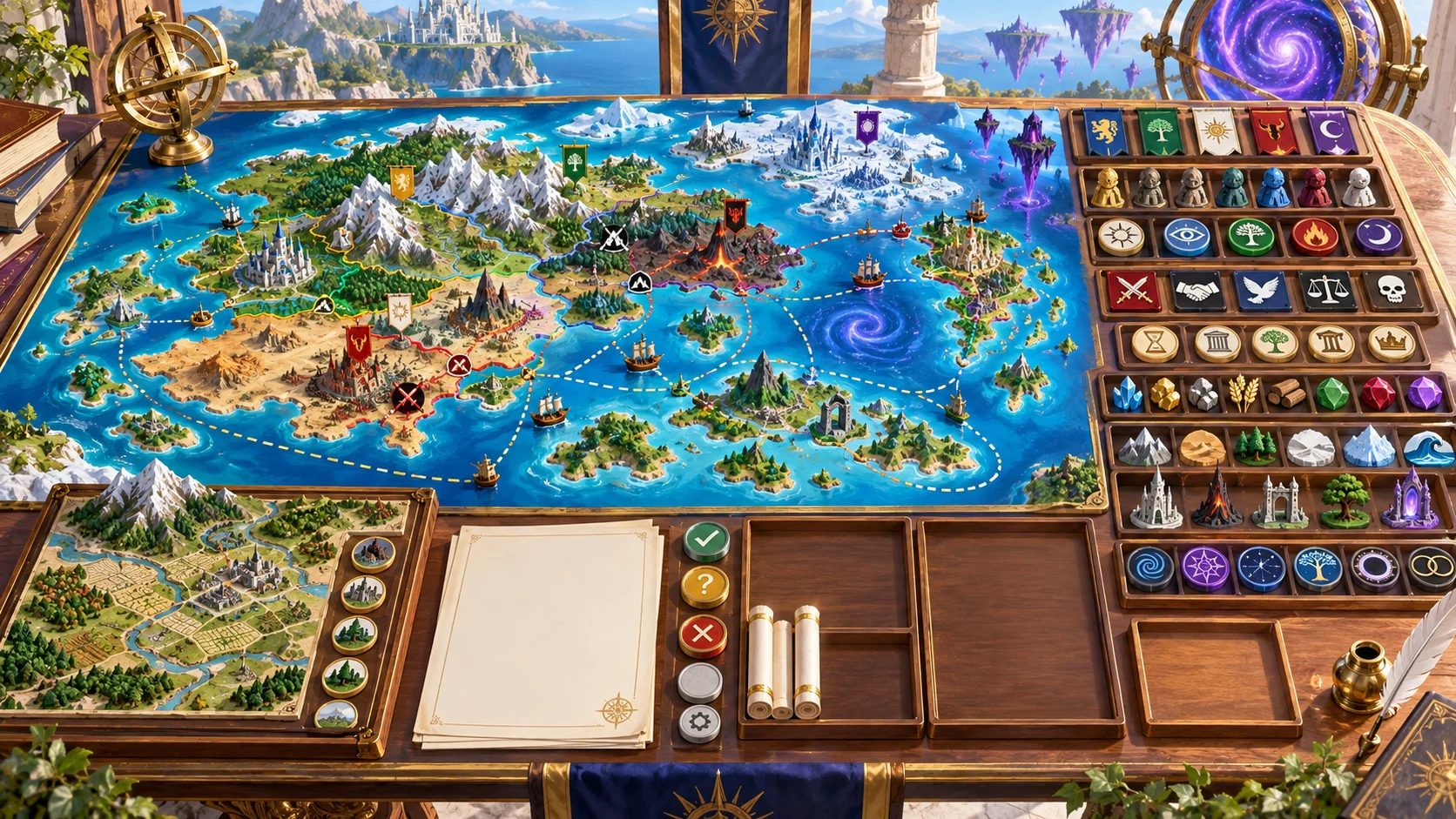
A written world foundation
Read the premise, landmasses, seas, regions and climate bands alongside major polities, cultures and faiths.
Develop resources, trade, travel barriers, landmarks, frontiers, conflicts and magical assumptions.
Print or export the full Dungeon Master framework and a one-page player primer. Review what the players should know before sharing.
Worldbuilding judgement stays with you
Use the framework as preparation, then decide how the setting works.
Read climates, resources, trade, cultures and conflicts together before using them in the campaign.
Kingdom, Settlement, Wilderness, Culture, Religion, Economy and History generators have their own purposes and access.
Decide which regions, peoples and assumptions the characters should know before sharing.
The framework does not run a long-term world simulation or prepare Combat PRO encounters.
Choose your generator access
The current USD catalogue lists World Framework Generator as available. Review the current account offer when choosing access.
Choose World Framework Generator as your selected standalone generator for US$1.99 per month.
Select this generator within an eligible pack. Pack capacity and current pricing are shown in your account.
Specialist generators, Battlemaps and image-credit products have their own access arrangements. They are not included automatically.
Create a free account, choose the required generator access and use Desktop Command Centre on Windows.
VISINVOKE means value
A focused tool for fantasy setting preparation.
Give geography, society and magic a place in the campaign.
Leave frontiers and unknown space for future adventures.
Save useful frameworks and return to them as the world develops.
Decide how the setting responds to the characters and their choices.
Build your worldbuilding toolkit
Each card opens its own product website. Review purpose and access separately; related products do not promise included access or automatic synchronisation.
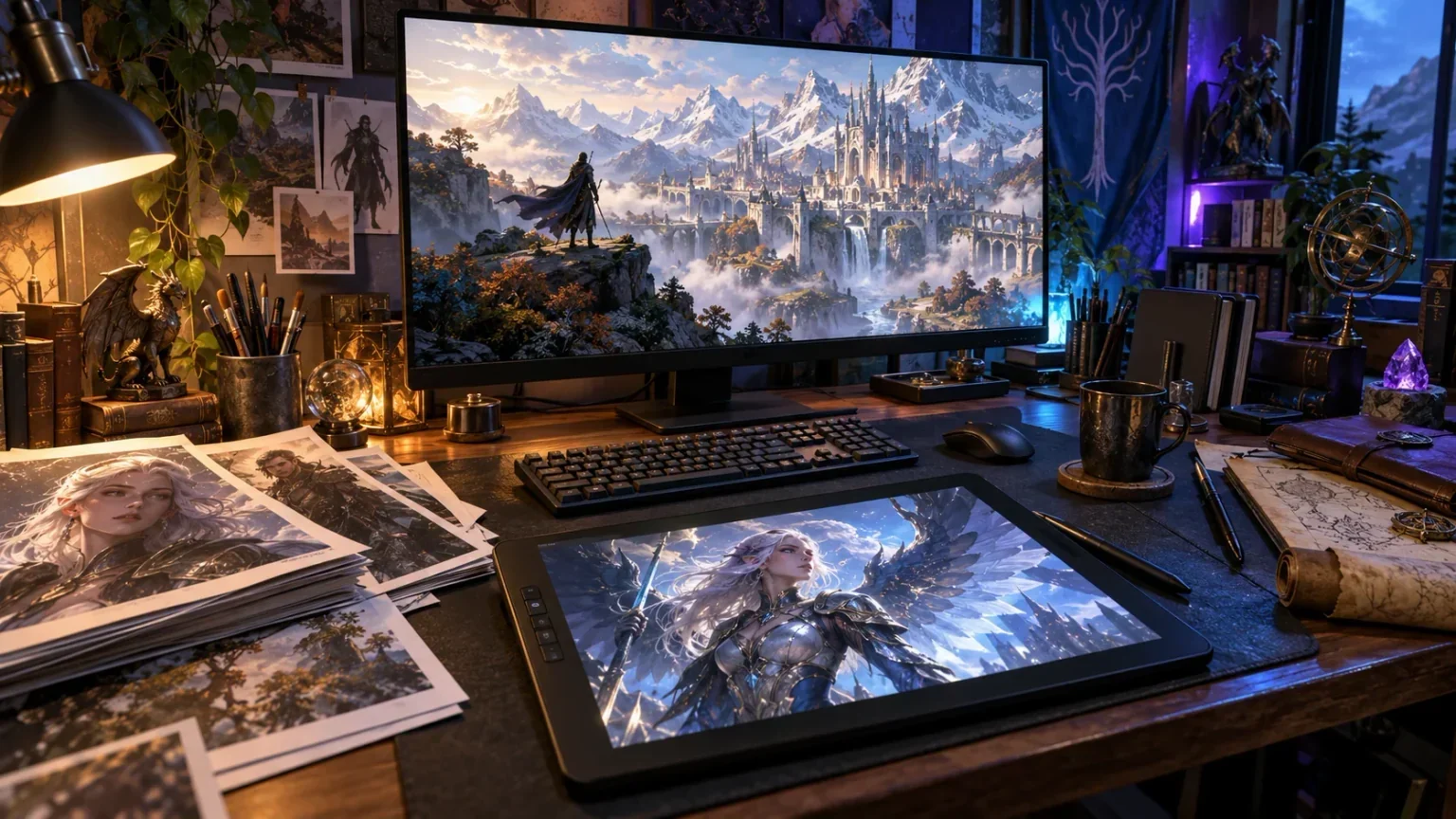
Open your VISINVOKE products from Windows.

Develop the places beyond the roads in greater detail.
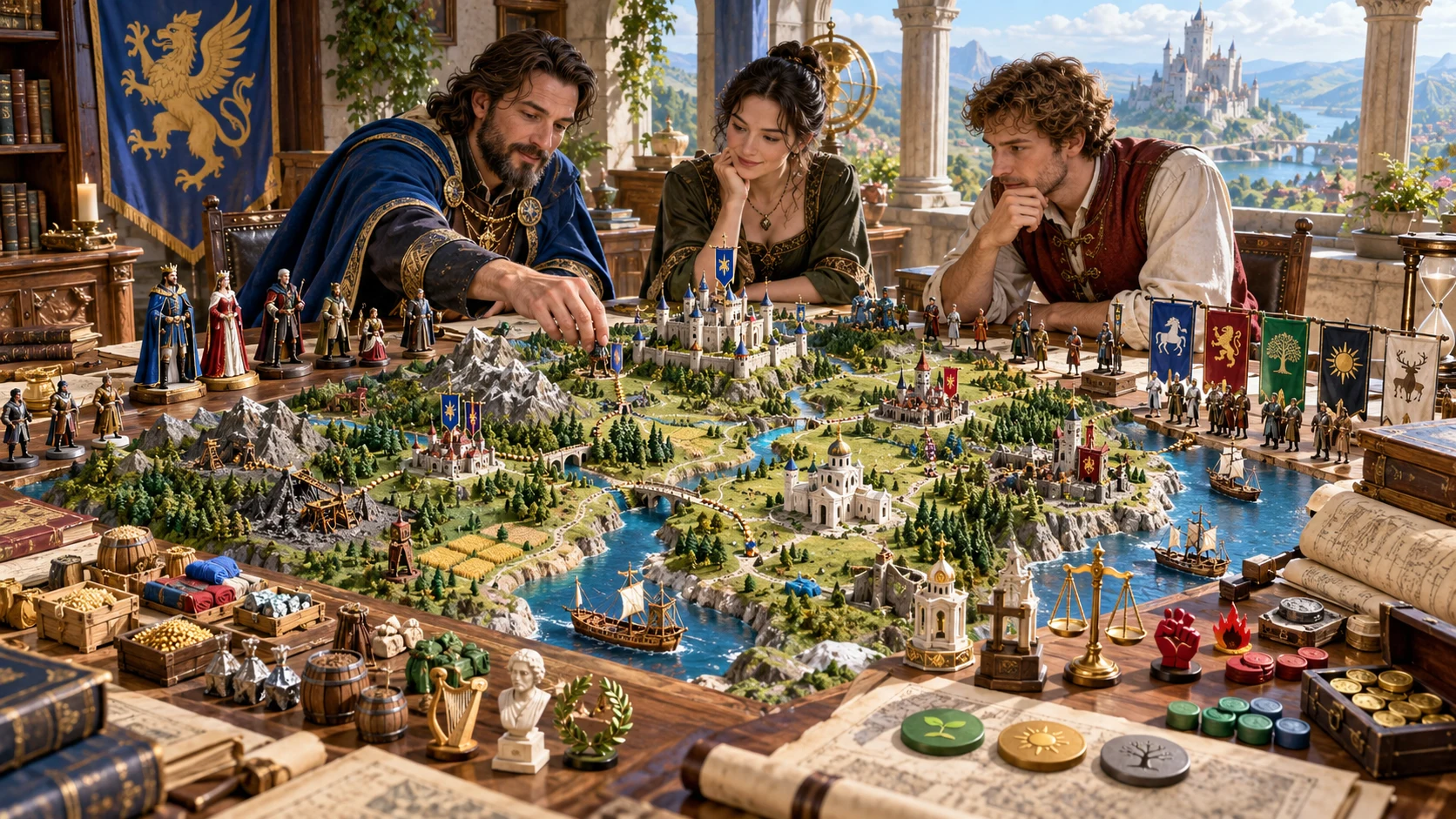
Develop a realm and its political setting.
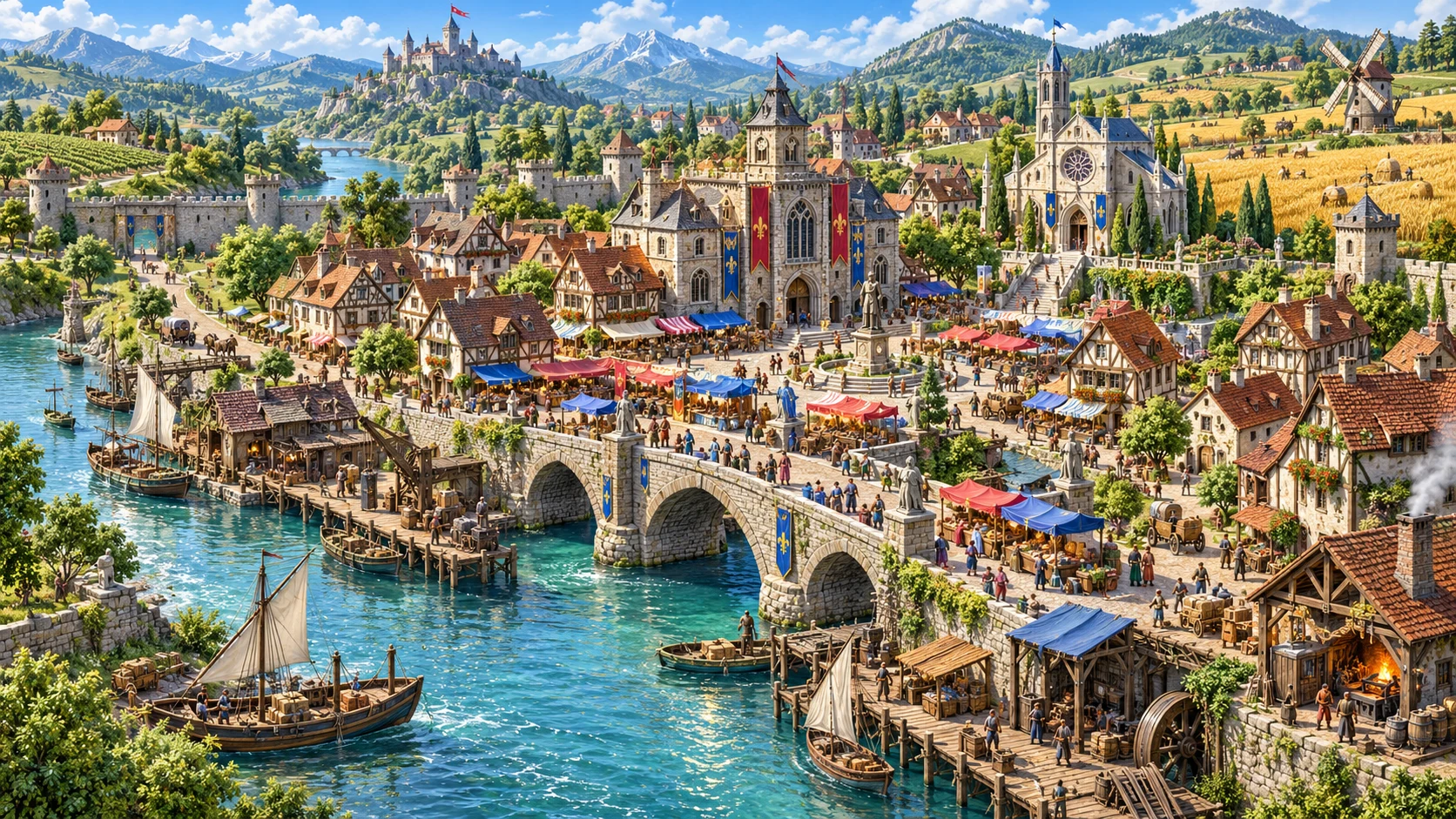
Build the local places where people live.
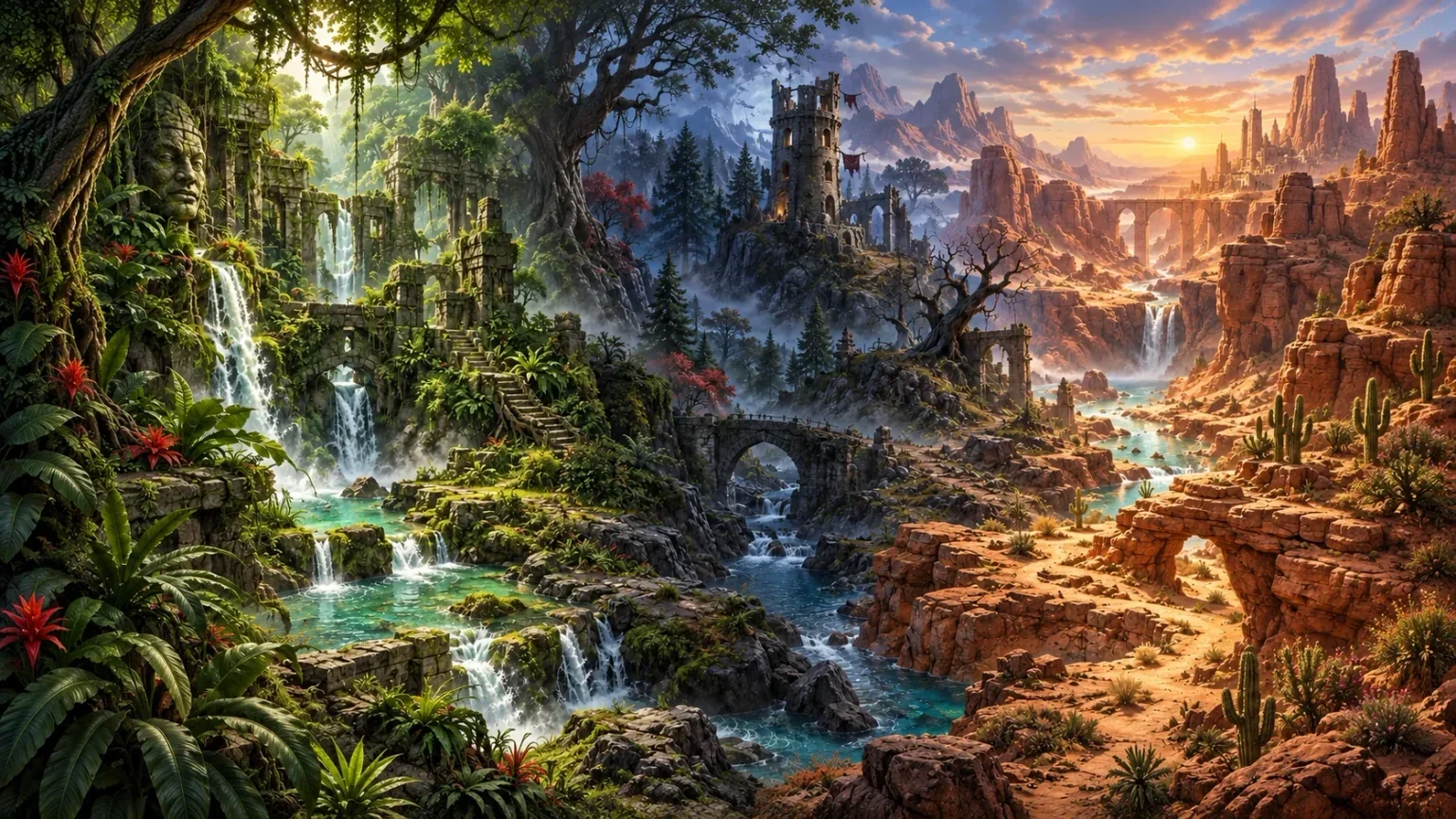
Explore separate adventure environments.
Explore separate fantasy image creation.
Product artwork illustrates fantasy worldbuilding, not application screens or actual generated image output.
Quick answers
Understand access, regions, revisions and player primers.
It creates a written fantasy setting foundation: premise, landmasses, seas, broad regions, climates, major polities, cultures, resources, trade, barriers, landmarks, frontiers, conflicts and magical assumptions. Review the connections and develop the local detail your campaign needs.
The current USD catalogue lists US$1.99 per month for one selected standalone generator. World Framework Generator can also be selected through eligible generator packs. A VISINVOKE account and required generator access are needed; other products have separate access arrangements.
Use region locks and selected rerolls to keep established areas while developing other parts of the framework. Review the connected geography, politics, resources and travel after revisions, then edit the setting to fit your campaign.
Save, duplicate and version world frameworks in your account as the setting develops. Return to useful foundations and refine them for later adventures instead of filling every part of the world at once.
Print or export the full Dungeon Master framework and a one-page player primer. The primer introduces known regions, peoples and travel assumptions while leaving world secrets and unexplored material out. Review what your players should know before sharing.
No. The framework does not run a long-term world simulation and does not prepare Combat PRO encounters. Use specialist generators for deeper kingdoms, settlements, wilderness, cultures, religions, economies and history; review each product and its access separately.
Continue in VISINVOKE
Create a free VISINVOKE account and choose the required generator access.
Get Desktop Command Centre from your account installer page. Sign in on Windows, then open World Framework Generator.